Get started with the AI Documentation Navigator
The AI Documentation Navigator simplifies finding information in product documentation by using generative AI to understand your questions and provide the most relevant answers from our help documentation. This tool improves support and self-service by helping you get faster, more consistent answers.
Prerequisite
You need to use Moody's single sign-on (SSO) to use the AI Documentation Navigator. Sign up for SSO at www.moodys.com.
To use the AI Documentation Navigator:
Open the AI Documentation Navigator and log in to your Moody's's SSO to continue.

Enter your question or use the pre-existing prompts to start a conversation.
You can further refine your results to show answers per product by filtering from the menu.
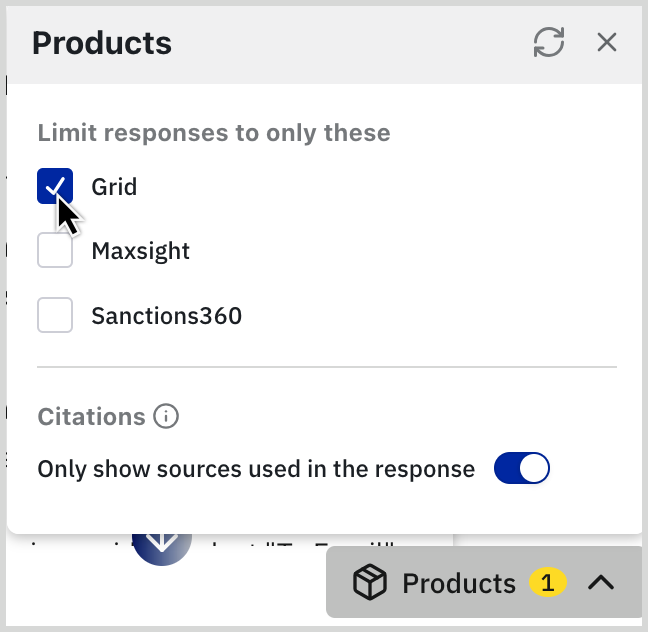
To read more or validate the information returned by the AI Documentation Navigator, select a citation to go to the source content.
To see a record of your previous conversations or to start a new chat, select .
To get help for the AI Documentation navigator, you can email our Client Service team for support.