Change your notification preferences
To control the notifications you receive and how you receive them:
Select the Manage account
 icon in Maxsight and select .
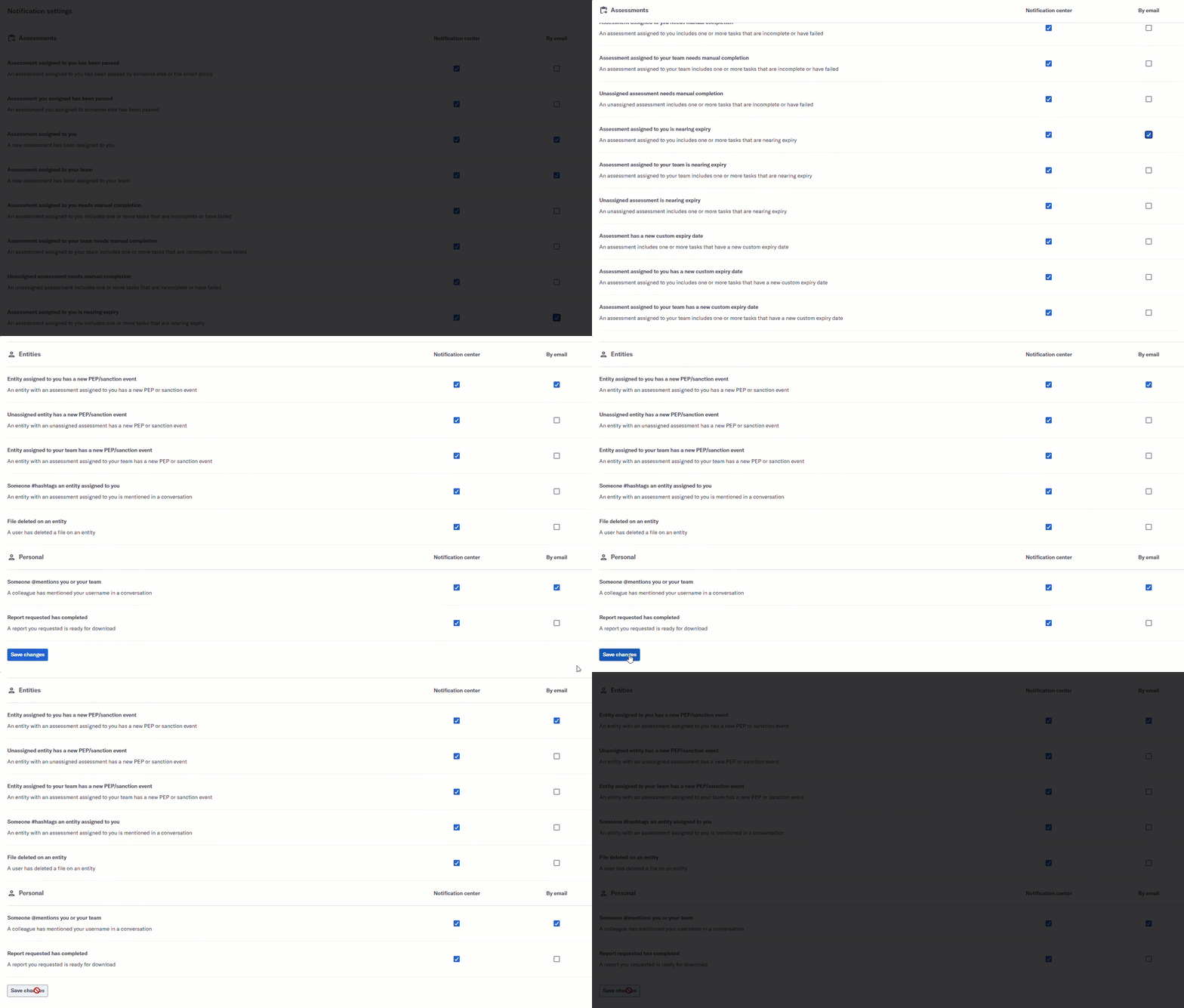
Select from the side menu. All notification events are listed, grouped by the event type: assessments, tasks, entities, and personal.
Update your notification preferences for an event.
Select to receive notifications for an event in the Maxsight platform.
Select to receive email notifications for an event.
To stop receiving notifications about an event, deselect and .
Scroll to the end of the page and select .