Add Maxsight components to Salesforce pages
Abstract
Learn how to add the Maxsight widget to a Lightning record page in Salesforce.
Add the Maxsight application to your Lightning page in order to see relevant information at a glance.
To add the Moody's Maxsight for Salesforce widget:
Open the Setup menu and select .
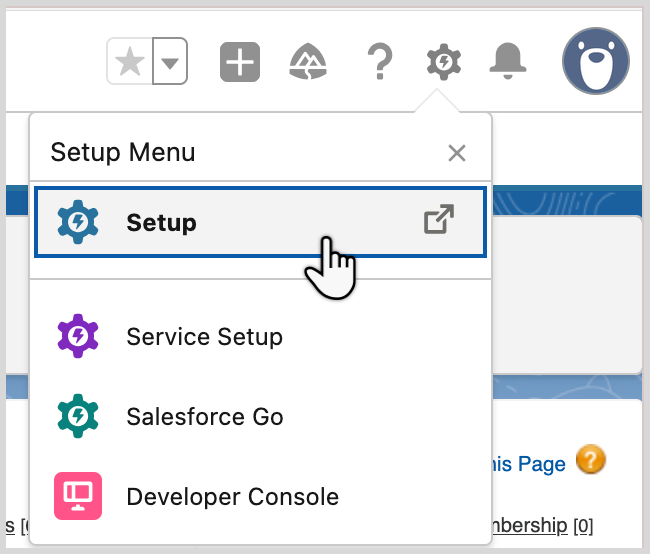
From the Setup page, open the menu and then select either or .
Select the option.
Edit or create a record page according to the on-screen instructions.
Drag the Maxsight widget component on to the layout.
Click .
Your widget is saved and you are now able to see Maxsight information from your Lightning Record page.