Assign a permission set
Learn how to assign or edit Salesforce permission sets to control user access to the Moody's Maxsight for Salesforce features.
Assigning the correct permission sets ensures users have appropriate access to the Moody's Maxsight for Salesforce features.
Prerequisites
You must have Salesforce Administrator access.
To assign or edit a permission set in Salesforce:
In Salesforce, select from the Settings menu.
Go to the tab and navigate to > > .
Select the username in the column to assign permissions.
Select .

Select .
From the Available Permission Sets list, select the permission that you want to apply and then select .
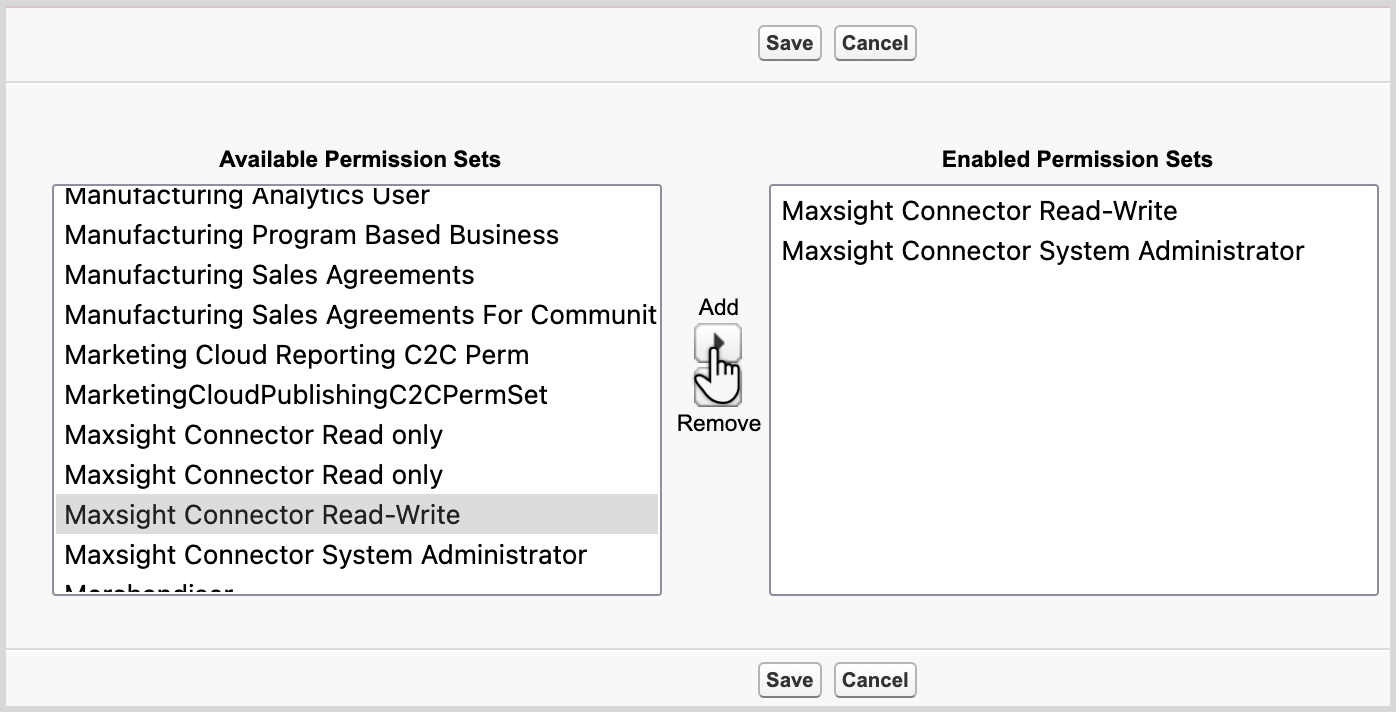
Only add the appropriate permissions:
Maxsight Connector Read only: View components/data, cannot launch application or access settings.
Maxsight Connector Read-Write: View/launch application, cannot access settings.
Maxsight Connector System Administrator: Full access, including settings/setup.
Repeat this process until you have assigned all the required permissions, then select the button.