Configure log settings in Salesforce
Abstract
Configure log settings in Salesforce to capture error events and request/response data. Learn how to toggle logging, set retention duration, and save changes.
Configure log settings in Salesforce to capture error events and request/response data.
Prerequisites
You must have Salesforce Administrator access.
Configure logging for error events and requests and responses:
Open the Maxsight app from the App Launcher.
Go to the Setup tab and open the tab.
For each logging level:
Toggle the Log Settings to .
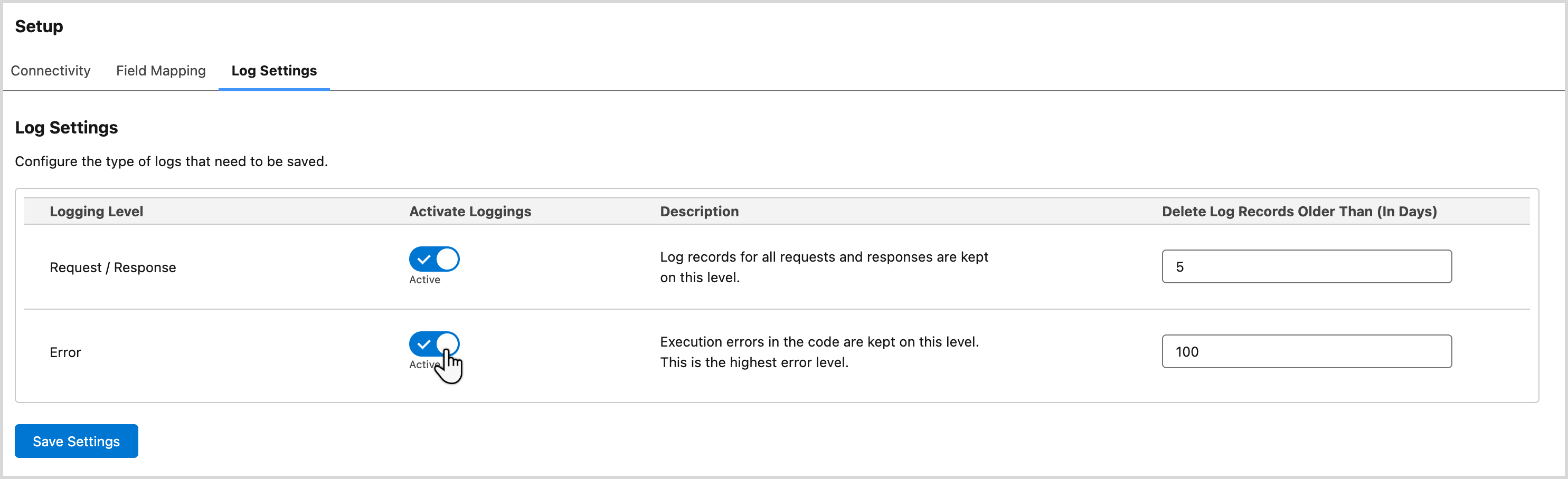
Enter the number of days to retain logs which must 1 day or more.
Note that the button is only enabled after you've made a change.
Select the button to apply changes.